 instapro.club
Media downloader
Saves photos, videos, reels and stories to your gallery from inside the app, so you do not need screenshots or downloader websites. Only save content you have permission to keep.
Free for Android · Unofficial app
Insta Pro APK is an unofficial, modified version of Instagram for Android. People look for it because it adds things the official app does not offer, such as saving media, extra privacy options and theme changes. This guide explains what it does, how it compares with the official app and what the risks are, so you can decide whether it is worth using.
Unofficial software. This website is not affiliated with, endorsed by or sponsored by Instagram or Meta. Modified apps can break Instagram's Terms of Use and may lead to account restrictions.
Insta Pro is a third-party app built on top of the Instagram Android app. It looks and feels similar, and you sign in with your normal Instagram account, but the code has been changed to add extra tools. An APK is simply the installation file format Android uses for apps, and because Insta Pro is not on Google Play, it is shared as an APK file. Some sites write the name as InstaPro, so people who want to download InstaPro are looking for the same app.
The official app is deliberately simple. It does not let you copy captions or comments, it shows ads in your feed, and it limits how you can customise the interface. Insta Pro exists because some people want more control over those things.
These are the features most builds of Insta Pro advertise. They differ between versions, and none of them is guaranteed to keep working after Instagram changes its app.
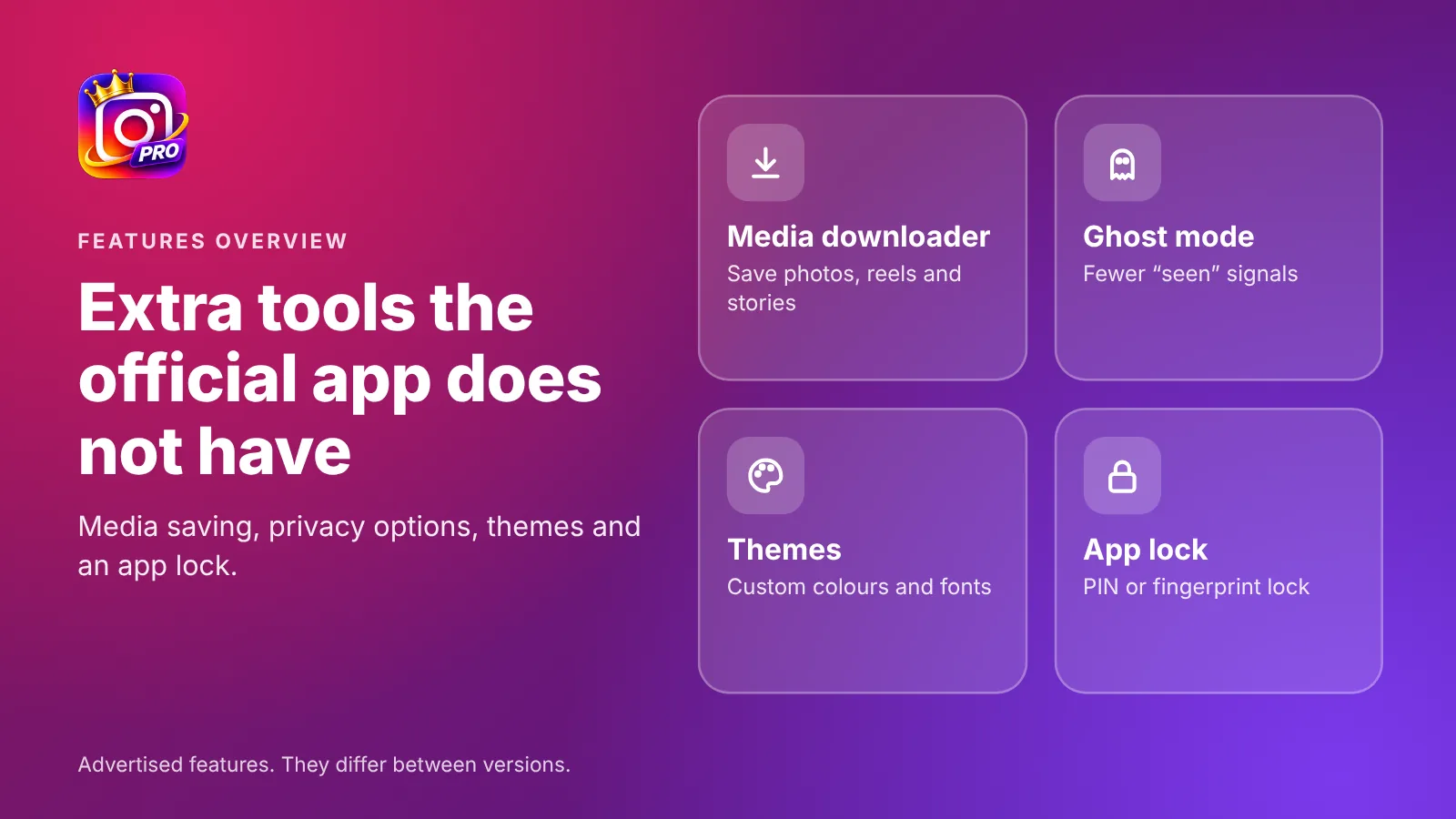
Saves photos, videos, reels and stories to your gallery from inside the app, so you do not need screenshots or downloader websites. Only save content you have permission to keep.
Advertised as a way to view stories or read messages without the usual "seen" signals. How well it works depends on the build and can break when Instagram changes how its servers behave.
Lets you copy bios, captions and comments with a long press, something the official app does not allow.
Many builds hide or reduce in-feed ads, which gives a cleaner scrolling experience.
Change colours, fonts and icon styles beyond the standard light and dark modes.
Some builds add a PIN, pattern or fingerprint lock to the app itself, on top of your phone's lock screen.
| Area | Official Instagram | Insta Pro APK |
|---|---|---|
| Where to get it | Google Play and App Store | APK file from websites |
| Platforms | Android and iPhone | Android only |
| Saving media | Limited, depends on creator settings | Built-in downloader (advertised) |
| Copying text | Not supported | Supported (advertised) |
| Ads | Shown in feed and stories | Reduced or hidden in many builds |
| Themes | Light and dark | Custom themes in many builds |
| Updates | Automatic through the store | Manual, you install each new APK |
| Account risk | Low | Higher, it goes against the Terms of Use |
| Support | Official Instagram help | None from Instagram or Meta |
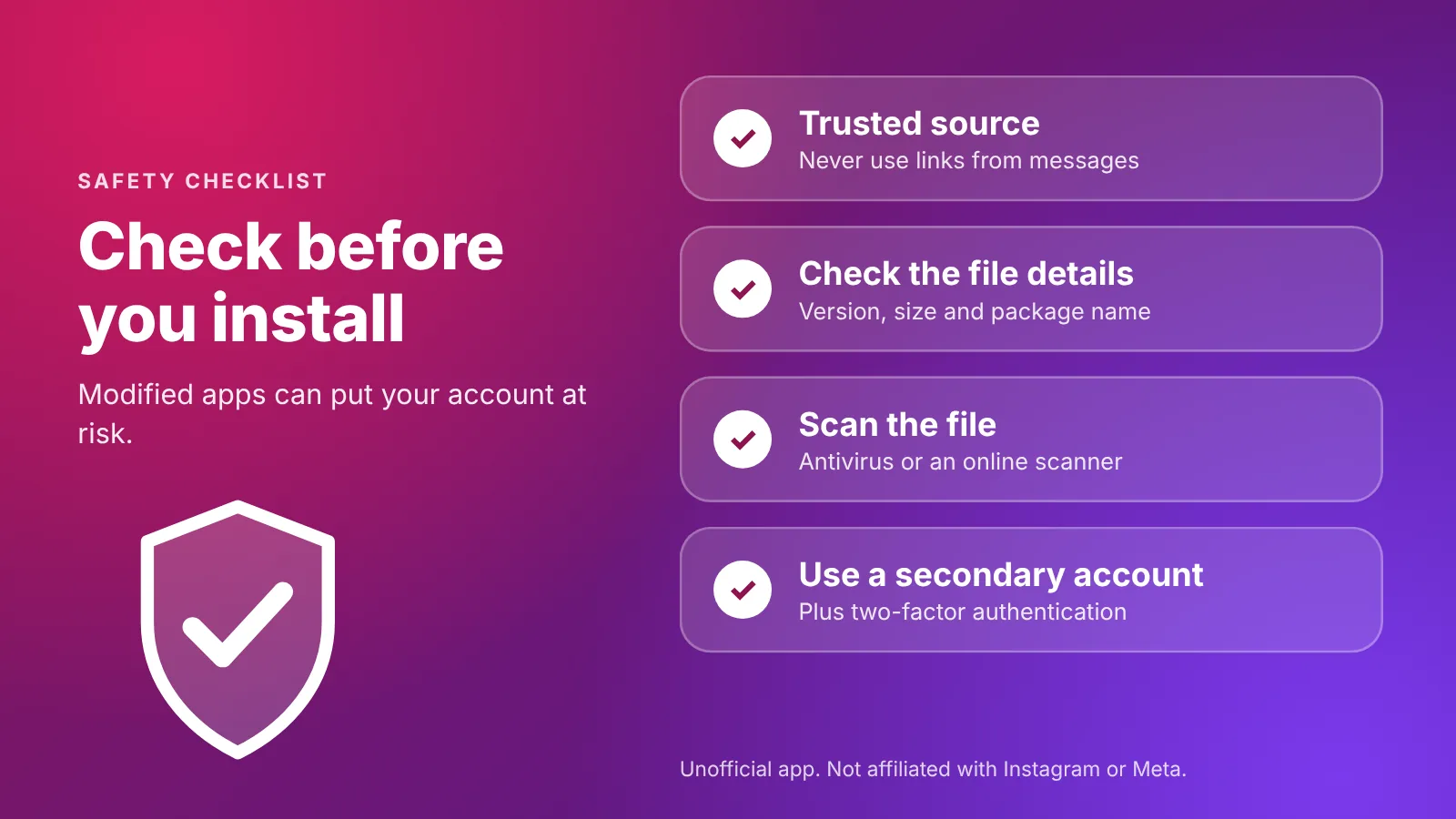
No modified app can honestly be called "100% safe". Insta Pro is changed by people outside Instagram, and you give it your login details. That means the real question is how much you trust the exact file you are installing. The main risks are:
Insta Pro is for Android phones and tablets only. APK files cannot be installed on iPhone or iPad, so any site offering an iOS version should be treated with suspicion. On a computer it only runs inside an Android emulator. Version 15.95 needs Android 6.0 or higher and no root. Check that your device has enough free storage before you install, and note that the requirements can change between builds. If your device meets these requirements, you can download Insta Pro from the download page.
The file details, verification steps and installation guide live on a separate page, so this guide can stay focused on whether Insta Pro is right for you. To download Insta Pro APK, use the download page. It covers requirements, how to verify the file, step-by-step installation and fixes for common errors.
If what you want is privacy or convenience rather than the extra tools themselves, the official app already covers part of it:
Insta Pro APK is an unofficial, modified version of the Instagram app for Android. It adds extras such as media saving, privacy options and theme changes. It is made by third parties and is not affiliated with Instagram or Meta.
No modified app can be called completely safe. Because the code is changed by third parties, it can contain tracking or harmful code, and you sign in with your Instagram details. Download only from a source you trust, verify the file, scan it, and use a secondary account.
Yes, it is possible. Modified clients go against Instagram's Terms of Use, so accounts can face temporary restrictions or suspension. Many people use a secondary account for this reason.
No. APK files only work on Android. Any website claiming to offer an iPhone version of Insta Pro should be treated with suspicion.
Google Play does not allow modified versions of other companies' apps that break their terms. Insta Pro is therefore shared as an APK file outside the store.
It does not update automatically. When a newer build is available you need to download the new APK from the same trusted source and install it over the old one.
It is safer not to. Use a secondary account, a unique password and two-factor authentication, so a problem with the app does not affect an account you care about.
Yes. The official Instagram app has privacy tools such as Close Friends, Restrict and activity status controls, and it lets you download some public reels depending on the creator's settings.
Insta Pro APK is popular because it fills gaps in the official app: saving media, copying text, fewer ads and more customisation. The trade-off is real. It is unofficial, it can put your account at risk, and its safety depends entirely on the file you install. If you decide to use it, verify the download, use a secondary account and keep your expectations realistic.